The Hotel TV Is a Shared Screen: A 2026 Casting Audit for US Sportsbook Apps
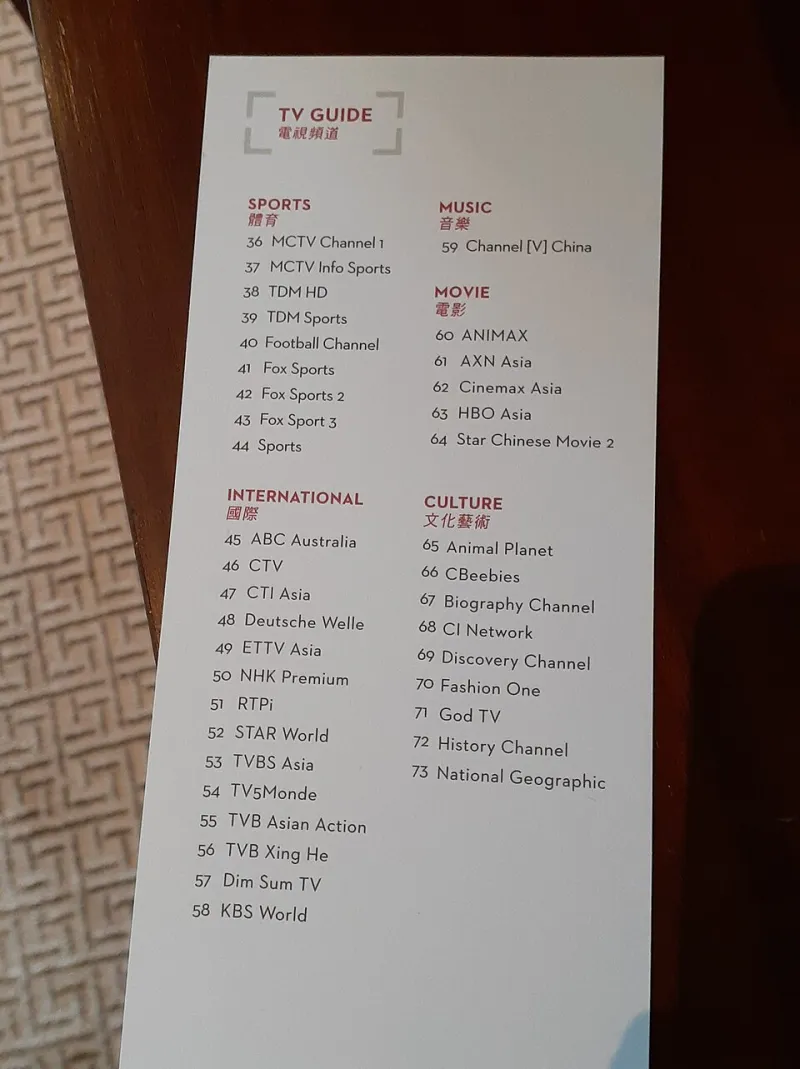
Photo: Fitsimz Gucoartem, CC BY-SA 4.0, via Wikimedia Commons
Hotel TVs used to be for the weather channel, a half-watched movie, and the checkout bill. In 2026, they are shared displays for shared rooms, and plenty of US bettors are casting sportsbook and casino apps onto them. The appeal is obvious: bigger odds board, easier group viewing, no squinting at a phone during a Sunday slate. The problem is just as obvious once you think about it. A phone screen is personal. A hotel TV, a living-room display, or a conference-room projector is not.
At WW88 Tech, we tend to audit the plumbing rather than the promises. So we ran a hands-on casting check across three common setups: AirPlay to a hotel TV through a guest casting portal, Chromecast to a shared living-room display, and a USB-C-to-HDMI adapter plugged into a conference-room projector. The goal was not to crown a winner. It was to see what the big screen actually shows, what it keeps, and what it gives away.
The three setups, and why they behave differently
The hotel setup is the messiest. Many hotel TVs use a guest casting system that rides on the property Wi-Fi, and hotel networks often isolate devices from each other. That can make AirPlay or Chromecast discovery fail, or push you through a portal that asks for a room number and a pairing code. When it works, it works like a remote display: your phone is the source, the TV is the screen. When it fails, it fails in public, with error messages and device names on a 55-inch panel.
The living-room Chromecast is cleaner in theory. Same network, familiar app, fewer hoops. But a living room is still a shared space, and the TV is often the brightest thing in it. The conference-room projector is the worst-case scenario: a big screen, a captive audience, and a remote control that someone else will pick up after you leave.
What the screen shows before you even place a bet
Screen mirroring is not a curated highlight reel. It is your phone, enlarged. That means the account header, the profile initials, the balance, the open bets, and the last transaction can all end up on the TV if you navigate to them. In our checks, the most common leak was not a password or a full card number. It was context: a balance that says more about your bankroll than you might want to share, a bet history that shows your patterns, and a notification banner that arrives at exactly the wrong moment.
On iOS AirPlay mirroring, notification banners can appear on the receiving screen unless Do Not Disturb is on or notifications are disabled for the app. On Android casting, the notification shade usually stays on the phone, but in-app toasts and overlays can still mirror. The practical difference matters, but not as much as the habit: if the screen is shared, treat every pop-up as public.
The notification problem is bigger than the app
Sportsbook apps are chatty. Deposit confirmations, bet settlements, odds movers, and score alerts are designed to pull you back in. On a phone, that is a private nudge. On a hotel TV, it is a broadcast. A banner that says a deposit cleared is not a security breach, but it is information. A banner that shows a settled bet and a payout amount is information plus context. In a living room, that context can start a conversation you did not plan to have.
The fix is boring and effective: turn on Do Not Disturb before casting, disable notifications for the sportsbook app, and avoid opening wallet, transaction history, or account settings while the screen is mirrored. If you need to check a balance, unmirror first. It takes two seconds and saves a lot of explaining.
Live betting on a delayed screen
Casting adds latency. AirPlay and Chromecast both buffer, and hotel Wi-Fi adds its own jitter. In our live-betting checks, the odds on the TV lagged behind the phone, which lagged behind the market. That is not a scandal. It is physics and networking. But it changes how you should use the setup. You are not betting on what the TV shows. You are betting on what the app accepts when you tap.
That gap can make a live line look better than it is. A number that sat on the TV for a beat may already have moved by the time the bet slip loads. The app will price the wager at the current number, not the one you saw on the big screen. Casting is fine for watching, comparing, and keeping a group oriented. It is a poor tool for chasing a stale line.
DRM, blackouts, and the black-screen surprise
Some sportsbook and casino apps use screen-protection flags that block screenshots and casting. On Android, that can produce a black rectangle instead of a mirrored app. On iOS, protected video may black out while the rest of the interface mirrors normally. The result is inconsistent: you might see the bet slip but not the embedded stream, or you might see nothing at all.
Geofencing is another thing casting does not change. The app still checks the phone's location, not the TV's. Casting to a hotel TV in another state does not move your account, and it does not bypass blackout rules. If a stream is restricted, the restriction follows the account and the device, not the display. The TV is just a screen. It is not a new jurisdiction.
What stays behind on the receiving screen
This is the part most people forget. When you disconnect a cast, the TV often keeps the last frame for a moment, and some guest casting portals keep a session list with your device name. If you leave an HDMI adapter plugged in, the next person who picks up the remote can see whatever the source device is still displaying. In a shared living room, closing the app before handing over the remote is basic manners and basic privacy.
We did not find sportsbook apps installing themselves on hotel TVs, because most hotel TVs do not allow it. But we did find residual context: a paused bet slip, a visible balance, a notification that arrived after the cast ended. The screen is not a window. It is a surface that remembers the last thing you put on it.
A short checklist before you cast
Turn on Do Not Disturb and disable sportsbook notifications. Avoid opening wallet, history, or account settings while mirrored. Keep the phone in your hand and the remote out of reach. Disconnect the cast and close the app before you leave the room. Skip the conference-room projector entirely unless the account is yours and the audience is invited. Treat the hotel TV as what it is: a shared screen with a very good memory.
Casting a sportsbook app is convenient, and convenience is usually where privacy goes to take a nap. The tech works often enough to be tempting. The audit answer is simpler: if you cannot control who sees the screen, do not put your account on it.