Three Doors, One Wallet: A 2026 Cross-Platform Audit of a US Casino App

Photo: person comparing casino app on iPhone Android and laptop mobile web at desk, via www.kevinashleyphotography.com
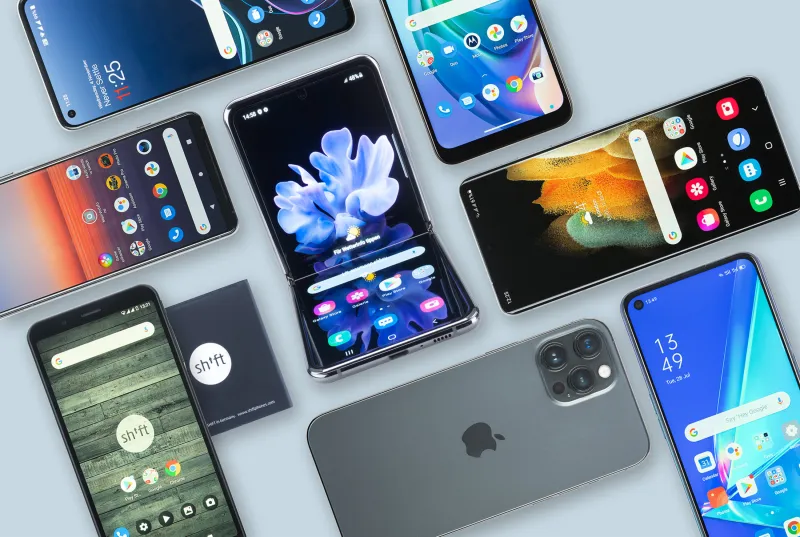
A casino brand is rarely one app anymore. It is usually three products wearing the same logo: an iPhone build, an Android build, and a mobile web version that quietly picks up the leftovers. On paper, they promise the same account, the same wallet, and the same bonus rules. In practice, the path from login to cashout can change depending on which door you open.
At WW88 Tech, we treat that gap as a tech story, not a marketing one. So on November 16, 2026, we put one licensed US-facing casino and sportsbook brand through a three-way platform audit. Same account, same promo code, same small test deposit, same cashout request. The brand stays unnamed here because the point is the pattern, not a callout. What changed across iOS, Android, and mobile web was mostly small friction: a hidden code field, a stricter location prompt, a notification that never arrives.
The test setup
We used a current-generation iPhone on the latest iOS, a Pixel phone on the current Android release, and Safari plus Chrome on mobile web. The account was verified before testing so identity checks would not muddy the deposit and cashout steps. We tested on home Wi-Fi and again on cellular, because location and wallet behavior can shift when the network changes. This was not a lab benchmark. It was a field audit with a stopwatch, screenshots, and a notes app full of complaints.
Deposit rails: same cash, different pit stops
The deposit screen is where the three versions first split. On iOS, the wallet sheet felt like a native payment flow: Apple Pay near the top, card and bank options below, and the promo-code field sitting before the amount in a clean accordion. On Android, Google Pay appeared in a similar spot, but the promo field was tucked below the amount and above the confirm button. On mobile web, the code field was collapsed under a small link that read Have a promo code. Easy to miss if you are moving fast.
That sounds cosmetic until you remember how bonus-code offers work. A player who deposits first and looks for the code field second may not get the offer applied, then spends support time trying to fix it. The iOS build made the field obvious. Android made it findable. Mobile web made it a scavenger hunt. None of these are dealbreakers, but they are exactly the kind of platform difference that shapes whether a promo actually lands.
Geolocation: the permission prompt has a personality
Location checks are the heart of US online casino access, and each platform handles the request differently. iOS asked for precise location with a clear explanation, then failed with a generic message when we switched precise location off. Android offered approximate versus precise location, but the app still required precise to proceed. Mobile web triggered the browser prompt first, then a second in-page check, and cached the permission so aggressively that a later denial took a settings trip to undo.
Here is the practical test: revoke location permission and try to place a bet or open a casino table. A good app tells you exactly what failed and how to fix it. A mediocre one spins, then says something like location unavailable. Mobile web was the most transparent because the browser error was visible. iOS was the cleanest when it worked and the vaguest when it did not. Android sat in the middle, with more settings depth and a slightly better error path.
Cashout flows: the review stack looks different from the outside
The cashout button lived in the wallet tab on iOS, under a menu on Android, and behind a hamburger icon on mobile web. That is normal app design, but the follow-up steps mattered more. Document upload on iOS used the camera roll and camera cleanly. Android opened a file picker with more options, including cloud storage. Mobile web accepted a photo upload but timed out when we switched apps to check a bank detail, forcing a fresh login and a second upload.
Pending cashout status was also inconsistent. iOS pushed a notification when the request moved from pending to review. Android showed a silent status change in the app unless we had enabled the right notification channel. Mobile web showed nothing once the tab closed. If you cash out on a phone and then put it down, iOS gave the best trail. Android gave the most control if you dig into settings. Mobile web gave the least, which is fine for browsing and bad for money movement.
Notifications: opt-in is not the same as opt-out
All three versions asked for notification permission, but at different moments. iOS asked after the first deposit, which felt late. Android asked at first launch but split alerts into channels for promotions, account security, and cashout updates. Mobile web asked through the browser, and the prompt was easy to dismiss by accident. The result is predictable: players who want cashout alerts may end up with promo spam, or the reverse.
Our advice is boring but useful. Turn on security and cashout alerts. Turn off promo pushes unless you actually want them. Then test one small cashout and confirm the alert arrives on the device you use most. If it does not, fix it before you need the notification.
The hidden-friction scorecard
| Task | iOS | Android | Mobile web |
|---|---|---|---|
| Find promo-code field | Clear, before amount | Visible, after amount | Collapsed link |
| Location denial message | Vague | Moderate | Browser-level detail |
| Cashout status alert | Push | Channel-dependent | None after tab close |
| Document upload | Smooth | Flexible | Session timeout risk |
| Notification control | Basic | Granular | Browser-dependent |
What to test before you commit
Before you settle on one version of a US casino app, run a five-minute audit. Find the promo-code field before you deposit. Revoke location permission and see what the app tells you. Request a small cashout and watch where the status appears. Upload a document without leaving the app. Check notification settings for cashout and security alerts. Finally, log in on a second platform and see whether your session, wallet, and bonus status follow you cleanly.
No single platform wins every category. iOS felt polished for wallet tasks. Android gave more control for notifications and file handling. Mobile web was easiest to inspect and the most fragile under pressure. The smart move is to pick the version that matches the task you do most, then re-test after the next app update. In 2026, platform parity is still a promise more often than a fact.